Setting up your student accounts
Step 1: Log in to your
teacher’s account and click on ‘Setup’.

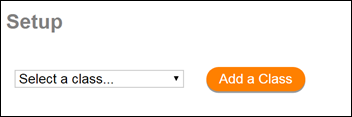
Step 2: Select a class
or add a new class.
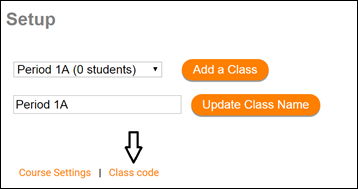
Step 3: Click on ‘Class
code’.
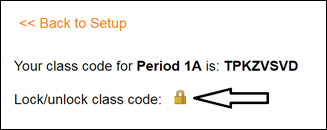
Step 4: Click on the
lock symbol to unlock the class.
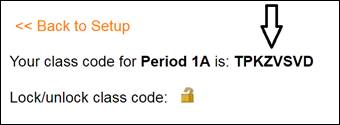
Step 5: Share the class
code with all of the students in this class.
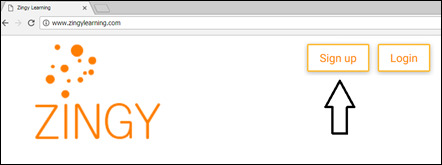
Step 6: Ask students to
navigate zingylearning.com and click on ‘Sign up’.
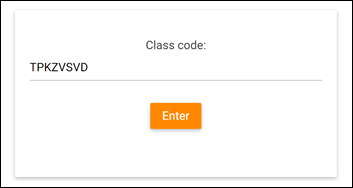
Step 7: Students type
in the class code you shared with them.
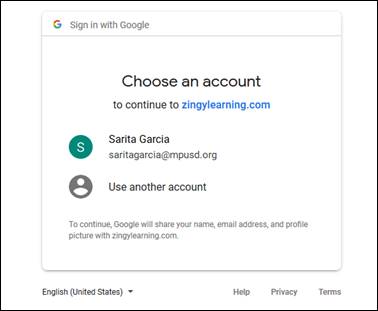
Step 8: Students select
their school email to set up an account with Zingy.
(Note that the student
login information will be available in your teacher's 'setup' page.)